Share · Pass it on
Share the App
Scan the code, or send the address to a friend. Then follow the steps below to put the App on your phone screen.

Scan to open the app
Or type this address
healingasjesustaught.lovable.app
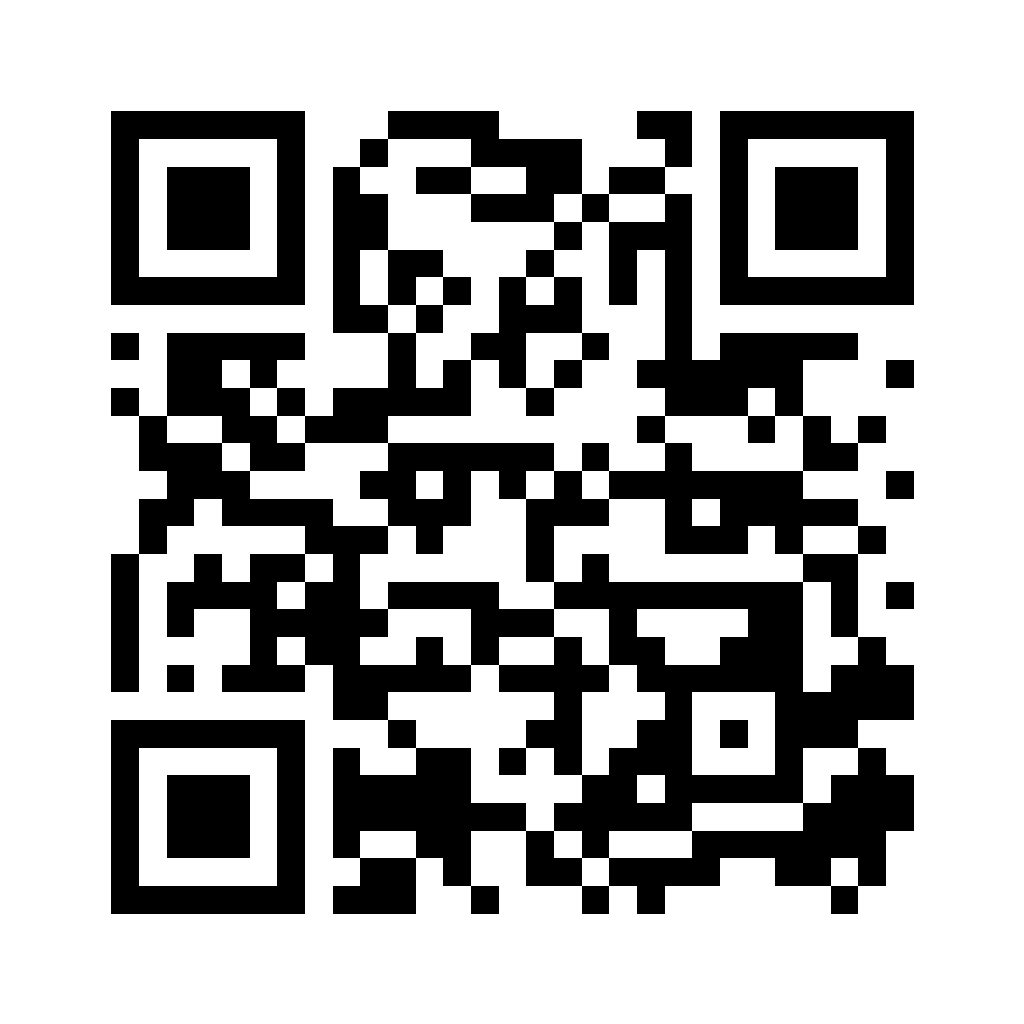
To keep a copy: press and hold the picture, then choose Save to Photos, so you can print it or hand it out.
Add it to your iPhone screen
- 1
If the link opens in Chrome, tap the web address at the top of the screen, then tap Copy.
- 2
Open Safari. Press and hold the address bar, tap Paste, then tap Go.
- 3
In Safari, tap the Share button: the square with an arrow pointing up.
- 4
Scroll down and tap “Add to Home Screen”.
- 5
Tap “Add” in the top right.
Good to know
You will see a blue cross named Healing. Tap it to open the App full screen.
To take it off later: press and hold the icon, then choose Remove App.
Once it is added, the lessons open even with no internet.
The same code keeps working when new lessons are added.
“Healing is our birthright as believers in Jesus Christ.”